
We have revised and modified the side menu to make the options clearer and easier to access.
We have divided it into two parts: the "Dashboard" and the "Settings Center".
This change was made on October 5, 2024, although you can go back to the previous version of the menu from the account settings.
Log in with your TuCalendi username and password. The Dashboard option of the new side menu will be displayed.
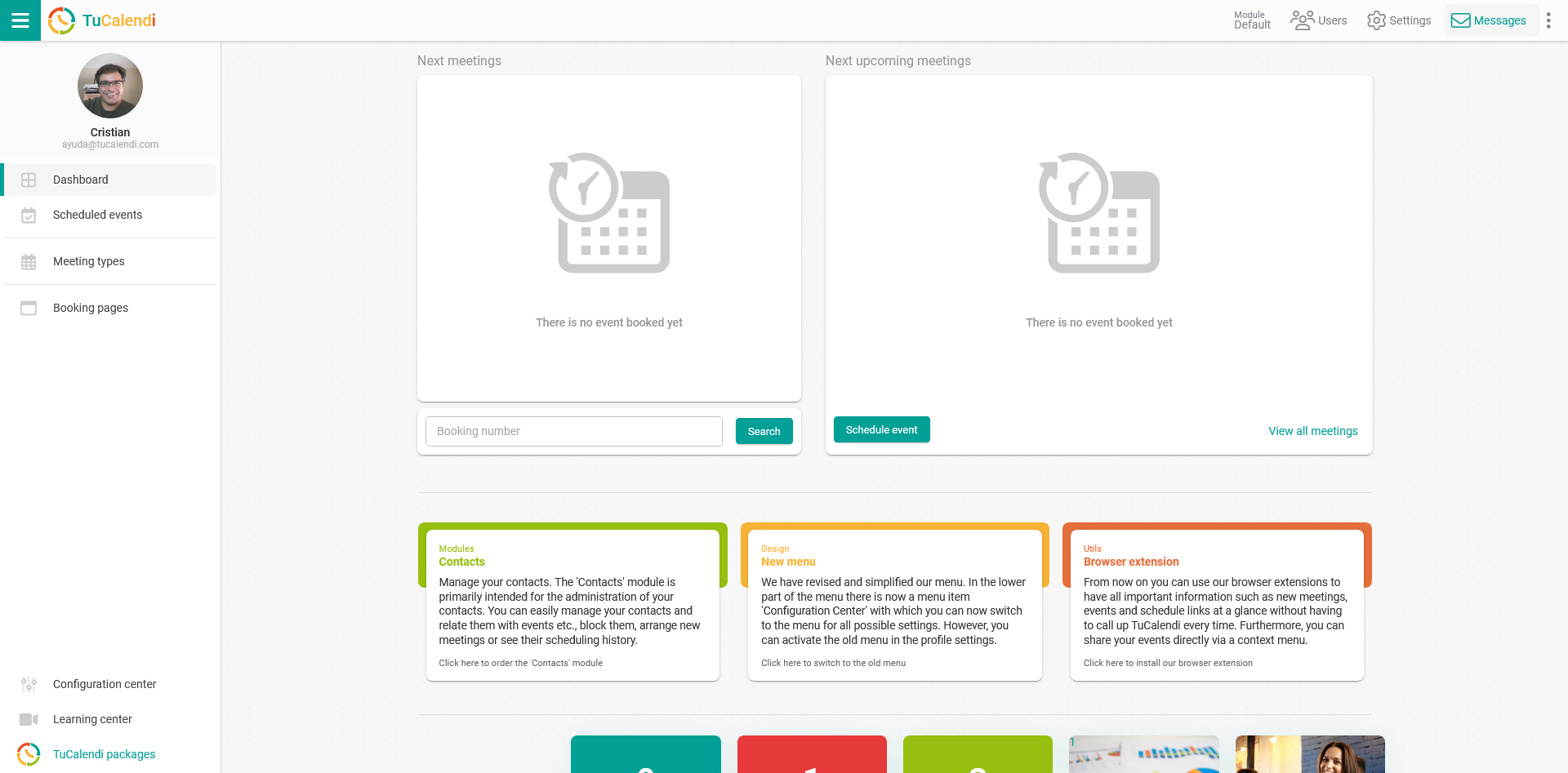
At the top are the basic options:
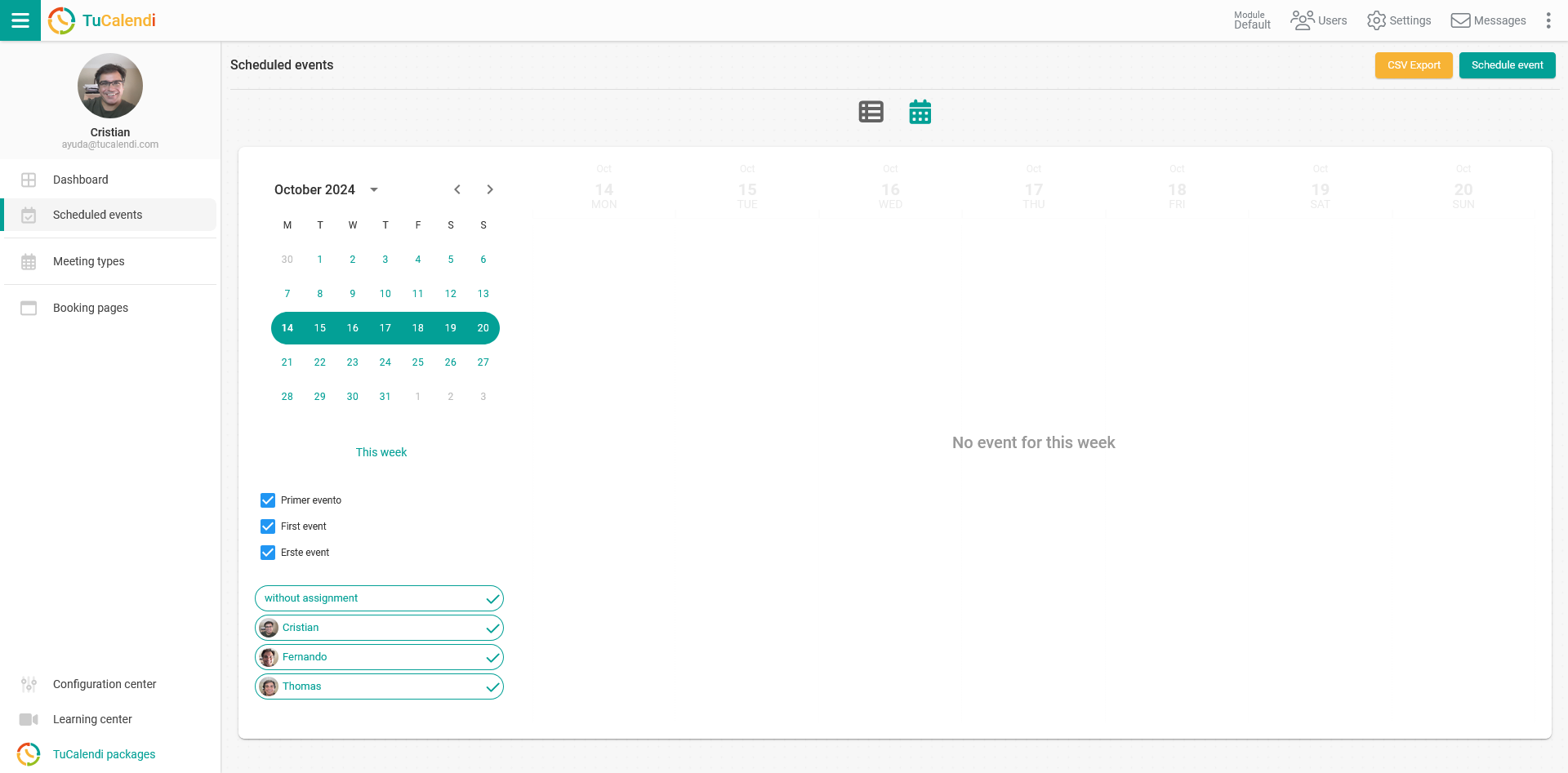
Scheduled events
By clicking on "Scheduled events" in the side menu, you can see all received bookings.
Meeting types
The "Meeting types" option in the side menu is where you can create new calendars, new events or modify existing calendars and events.
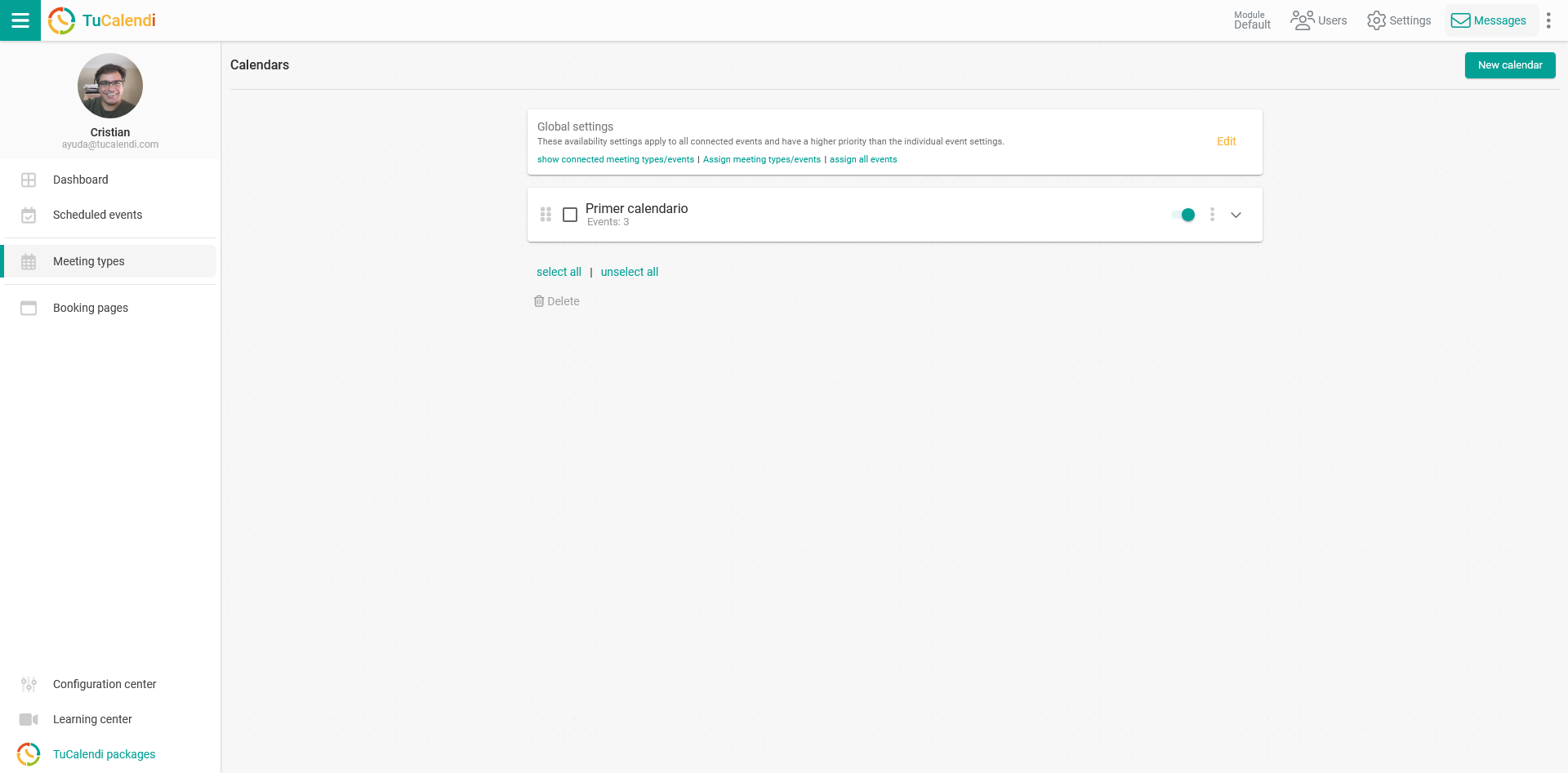
In the previous version of the menu, this option was called "Calendars" and was located in the first position of the menu. It works the same way, it has simply been renamed and relocated.
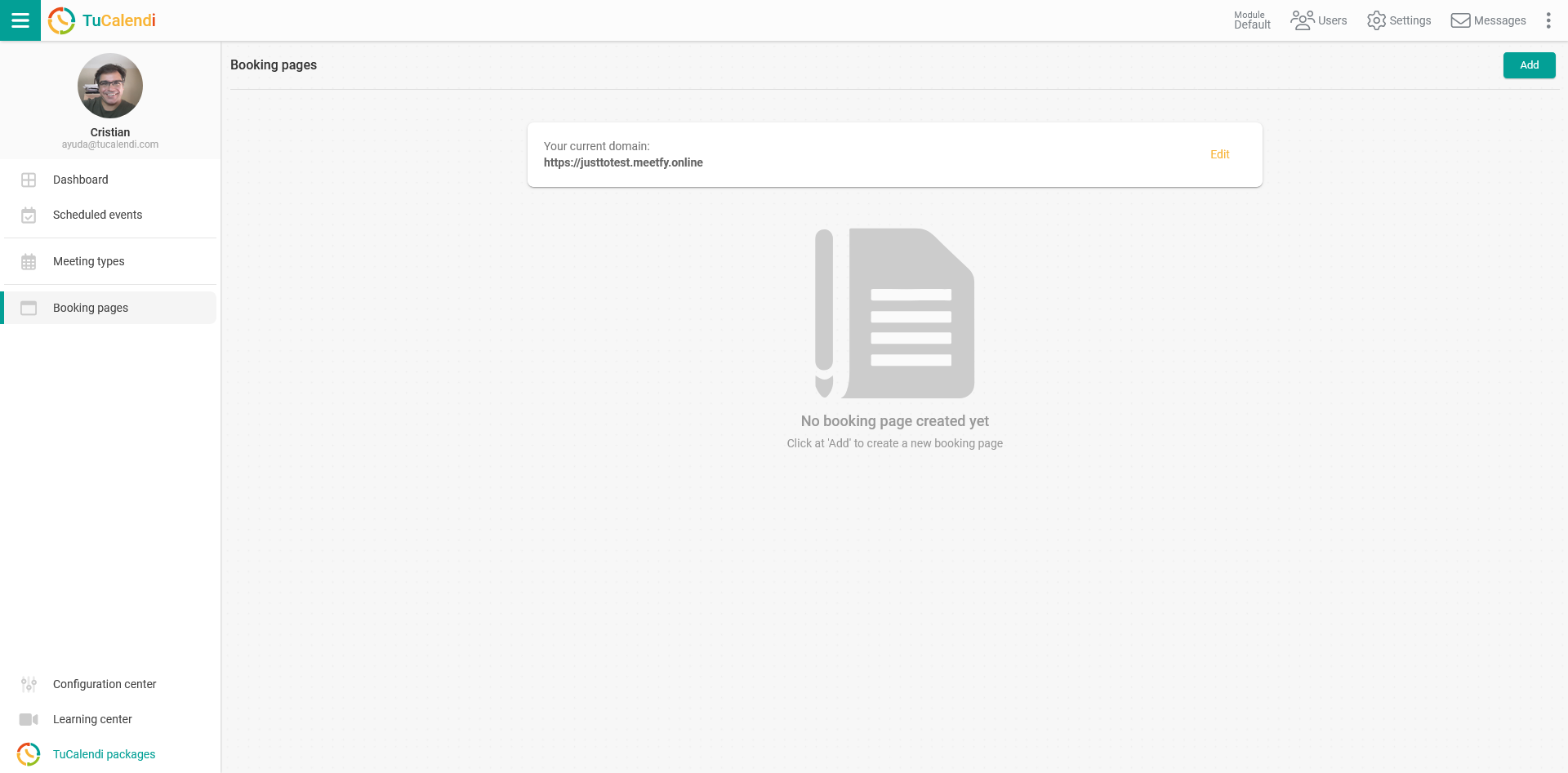
Booking pages
Clicking on "Booking pages" takes you to the booking pages options, starting with adding the domain of the booking pages. Then you can add your own booking page.
At the bottom, you will find a new item called "Configuration Center".
Configuration Center
Clicking on the "Configuration Center" item takes you to all the configuration options:
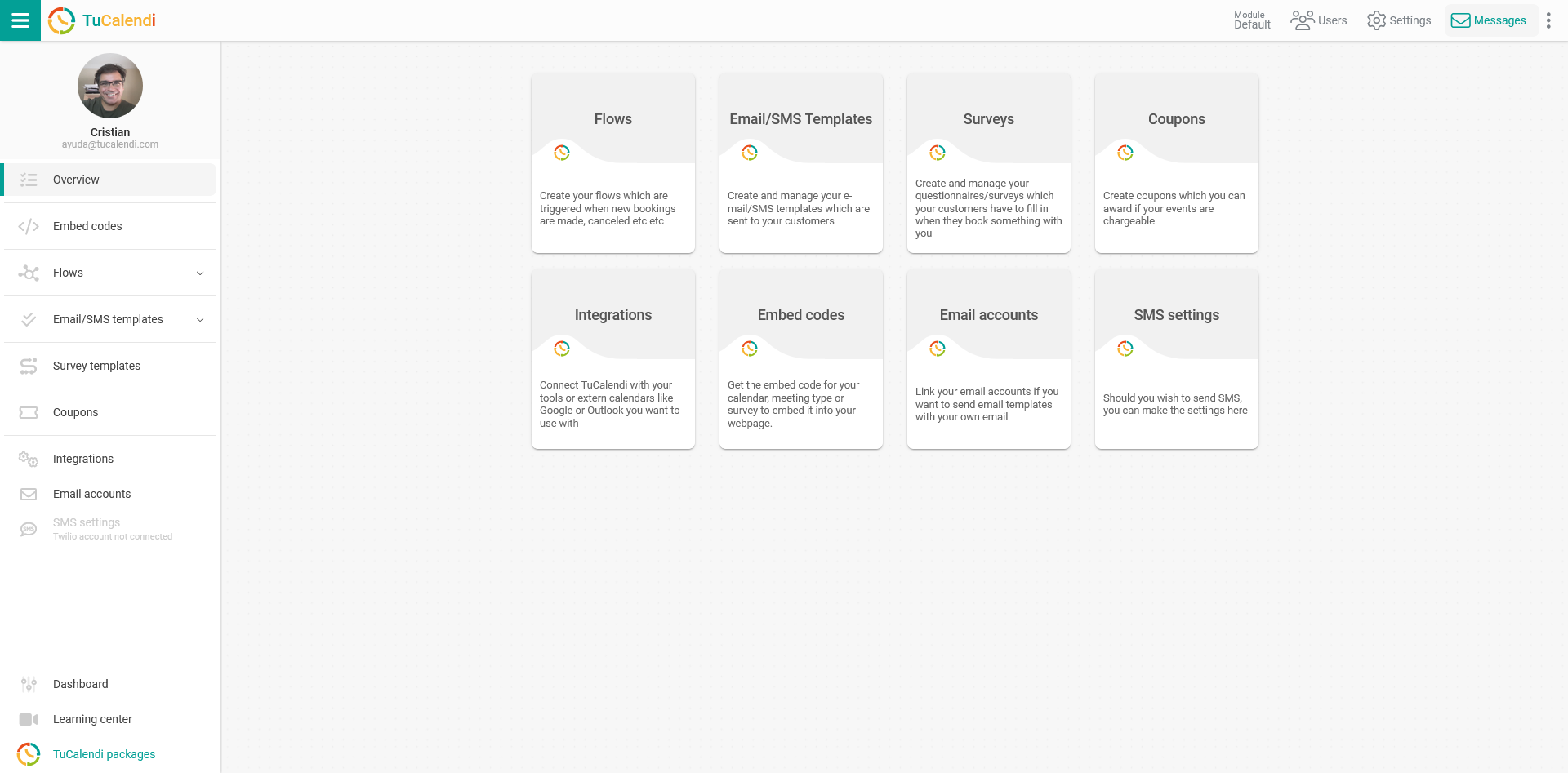
You can open each option either by clicking on it in the side menu or by clicking on the box for what you want to configure.
To return to the "Dashboard" and access the basic, main options of TuCalendi, simply click on "Dashboard".