
After you have created your custom domain at meetfy.online for your booking pages, you can add booking pages.
Log in with your TuCalendi username and password. Go to the "Booking pages" option:
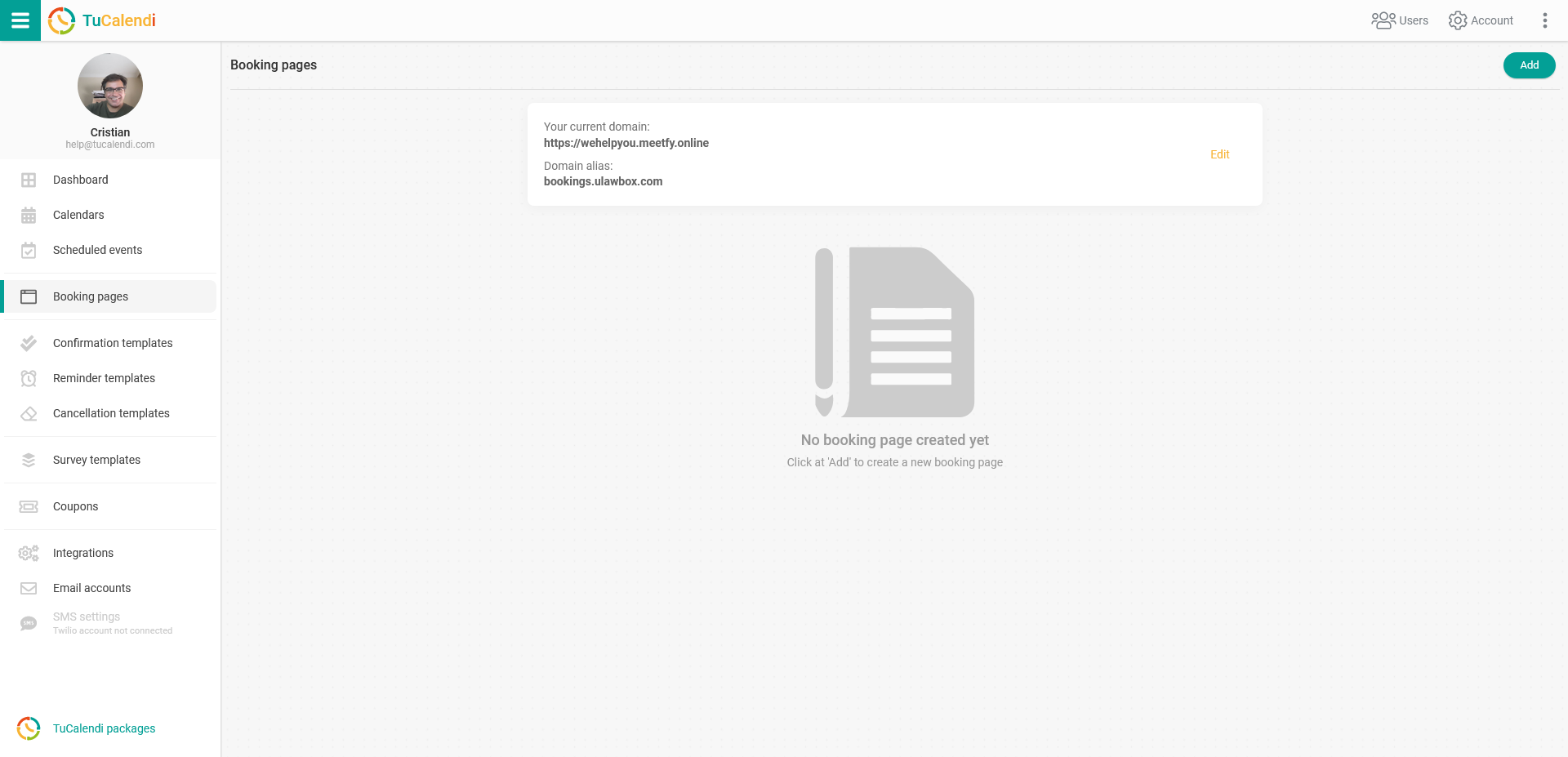
Click on the "Add" button to start creating your booking page and set the page alias:
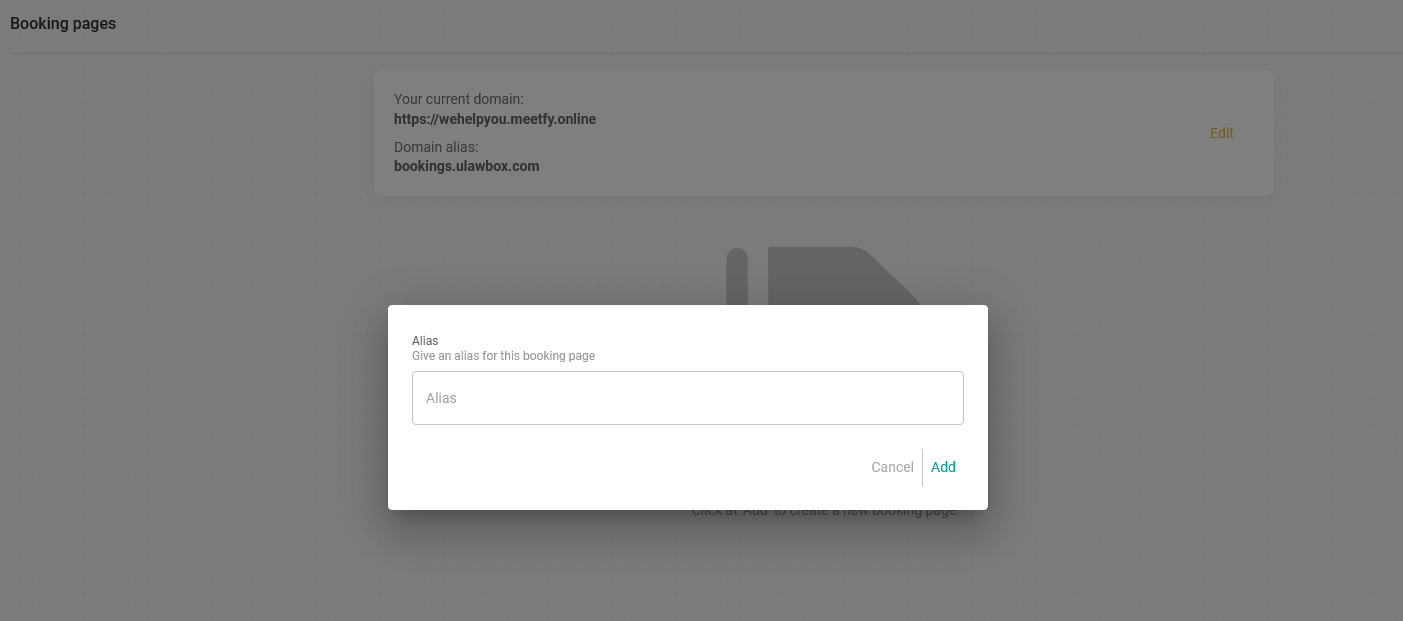
When you have entered the "Alias", click on "Add":
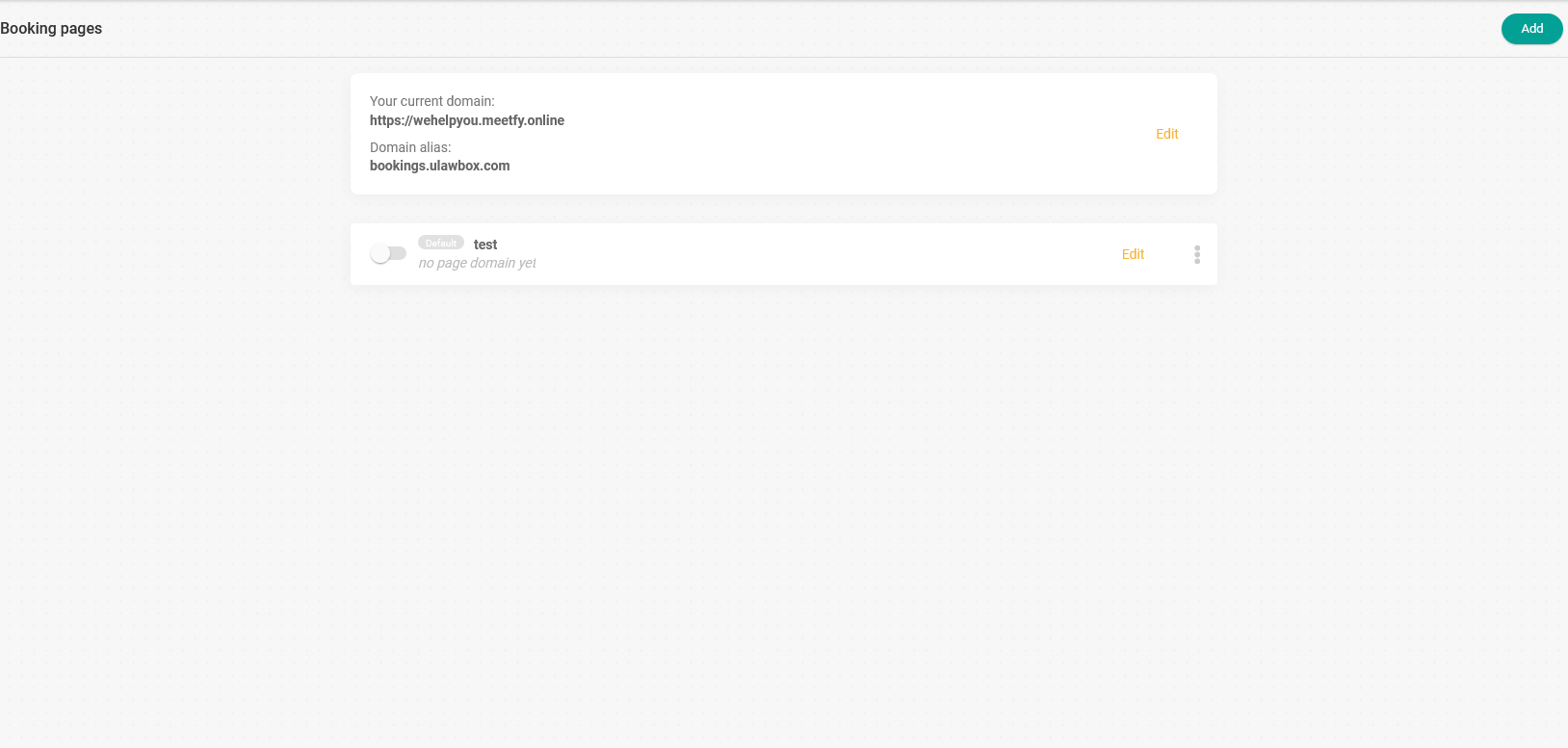
Now you need to customize your booking page with the different options available and make it visible to start receiving bookings from your users and customers on your own booking page.
In separate tutorials, we show you how and what you can do to customize your booking page:
- Basic settings.
- Select the calendar or event you want to display.
- Choose the template for the page.
- Customize the colors.
- The content you want to display. Explanatory video, customer reviews, FAQ, description.
- Advanced options. (Available only for paid plans).
- Set the default page on the main domain.
- Your profile information.