

In an in-person meeting, some of the most useful details never make it into your notes. A client sketches a process on a whiteboard, someone suggests a change, and by the time you’re saying goodbye, it’s still unclear who will do what. Back at your desk, a few handwritten words may not be enough to piece the conversation together.
With Meetfy.ai, you can prepare for the meeting on your phone, record the audio in the room and receive AI suggestions during the conversation if you need them. Afterwards, you can consult a transcript or review a summary to check what was discussed and prepare your follow-up. The app is available for iPhone and Android and can be used in face-to-face meetings.
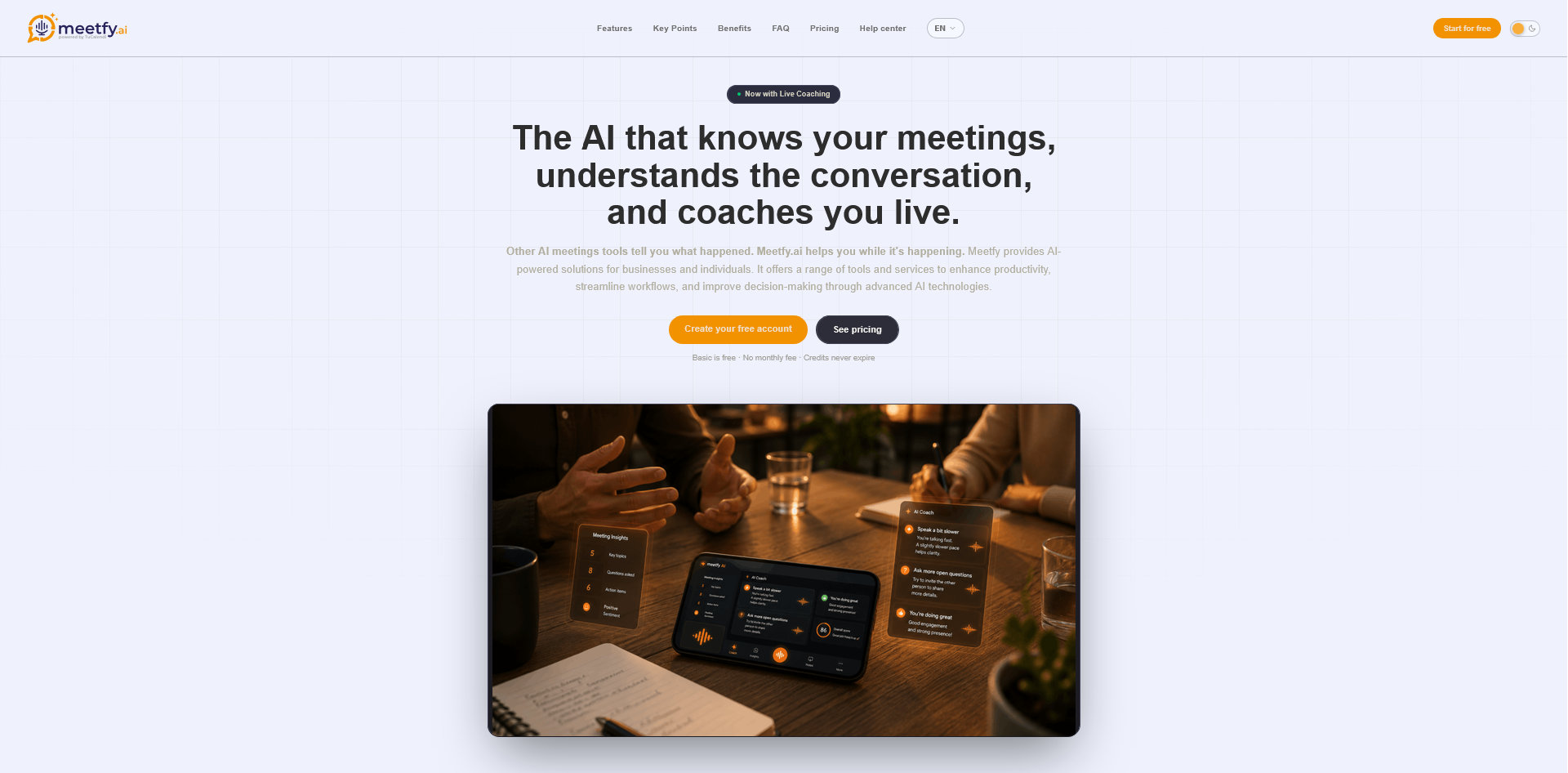
Let’s walk through an example: a consultant visits a client to find out why some requests take several days to reach the person responsible for handling them.
1. Before the meeting: prepare two questions to understand the problem
The client has mentioned delays in an email. The consultant doesn’t yet know whether they happen when requests come in, when they’re assigned or when someone responds. Her goal is to pinpoint where the delay occurs and agree on what information to review next.
In Meetfy.ai, she records that goal, adds the background she already has and prepares two questions:
| Question | What she wants to find out |
|---|---|
| Can you walk me through the last request that was delayed, from when it came in to when someone dealt with it? | How the process works in a real case. |
| When it’s unclear who should handle a request, who decides where it goes? | Whether there’s an assignment rule or each case is handled as it comes up. |
She also adds a reminder for the end of the meeting: confirm who will share a real example of the process and when. If she starts live coaching, Meetfy.ai can use that preparation to guide its suggestions.
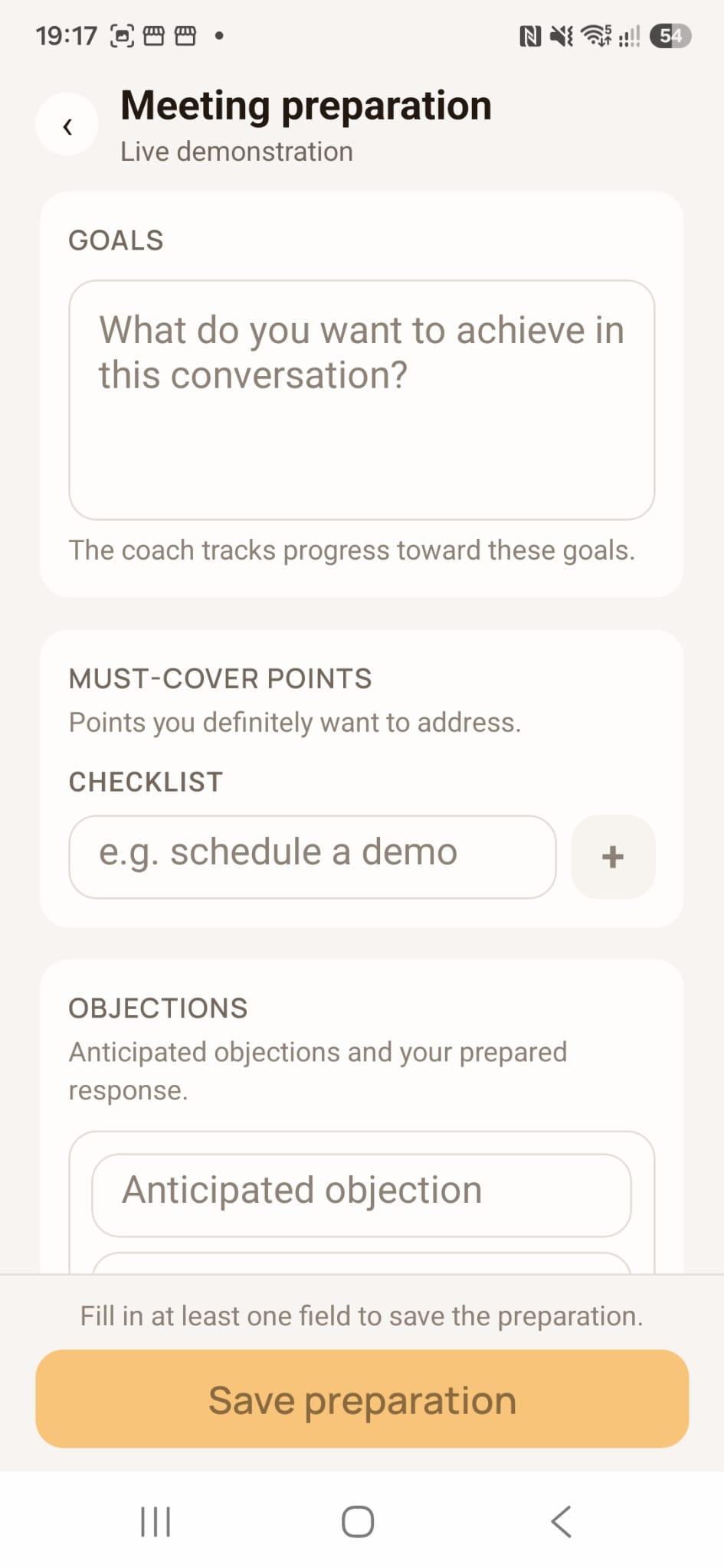
For a closer look at the preparation options, see our guide to preparing for a sales meeting with AI and Meetfy.ai.
2. During the meeting: decide whether to record, use live coaching or both
In a face-to-face meeting, your phone can capture the audio in the room. Before you start, place it on a stable surface near the people who will be speaking. If there’s background noise or people are sitting far apart, make a short test recording and listen back to check that everyone can be heard.
Explain to participants what you plan to use and why. If you’re going to start live coaching, make clear that the audio is processed in real time to provide suggestions. You can also use your preparation as a guide and take notes by hand if you decide to proceed without recording or processing the conversation.
| If you want to… | What you can do |
|---|---|
| Listen back to what was said | Start an audio recording. |
| Read a specific part of the conversation | Record the audio and transcribe it afterwards. |
| Get support during the discussion | Start a coaching session and receive suggestions on screen or through headphones. |
| Keep a diagram from the whiteboard | Take a photo if appropriate. If you use image analysis during the coaching session, the photo can add context to the summary. |
In our example, the client draws three stages on a whiteboard: requests come in by email, someone reviews them, and then they’re assigned. While describing a recent case, the client explains that the delay happened before anyone took ownership. The consultant can return to her second question: “When that happens, who decides where the request goes?”
A coaching suggestion might remind her of an outstanding question. She decides whether to ask it then or let the client finish explaining the process.
For more on this feature, see our guide to AI coaching in meetings with Meetfy.ai.
3. After the meeting: check the summary before sending your follow-up
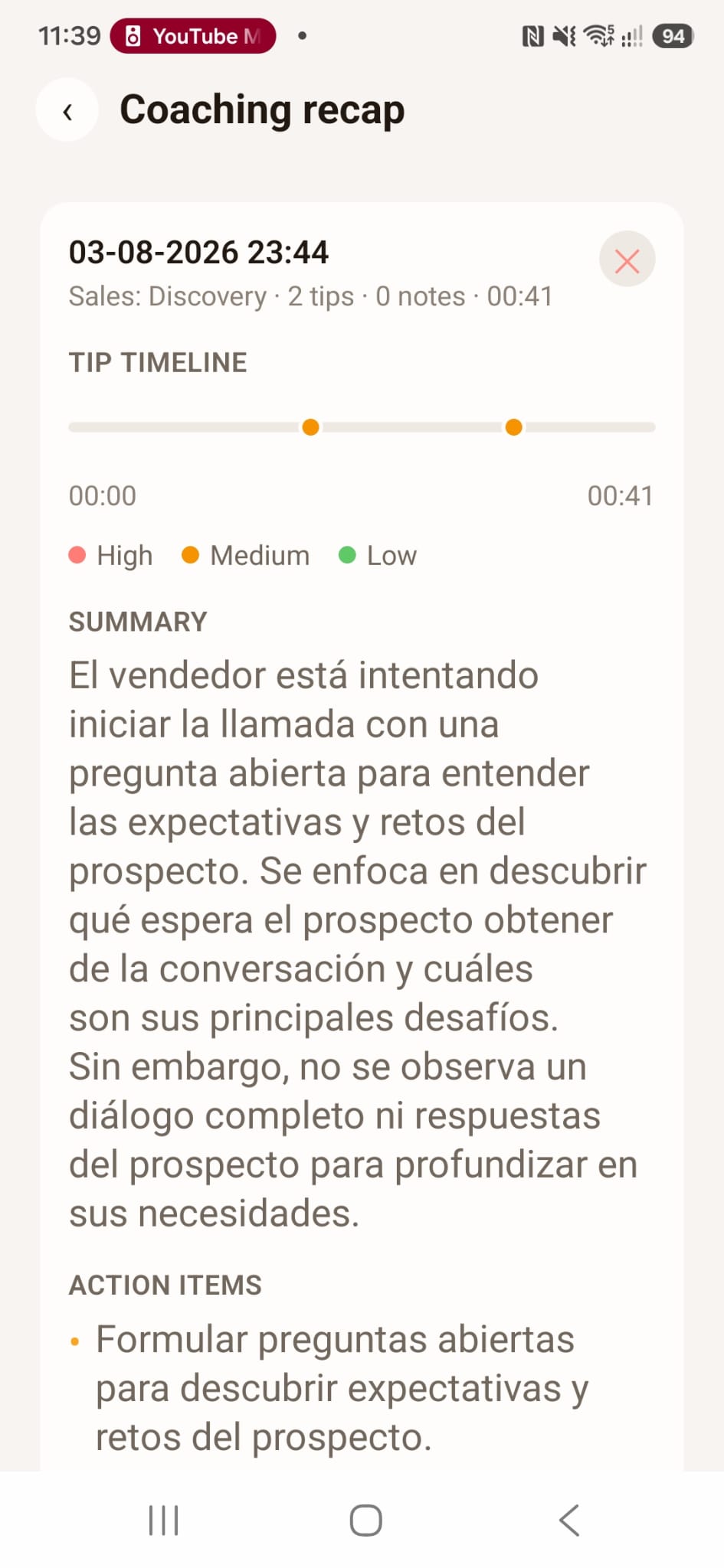
A transcript helps you check how something was worded. A summary helps you review the main points. With Meetfy.ai, you can transcribe a recording or consult the summary of a completed coaching session.
The consultant first separates what she learned from the example, what still needs investigating and what the client actually agreed to do:
| Point | What to include in the follow-up |
|---|---|
| What they observed | In the case they reviewed, the delay occurred before the request was assigned. |
| What still needs checking | Whether the same delay occurs in other requests. |
| What the client agreed to do | Send two more examples on Thursday, with customer details removed. |
| What was only proposed | Trying a form to classify requests. They haven’t decided to introduce it. |
That distinction changes the email. The consultant can write, “We’ll review two more cases before considering a change,” instead of, “We agreed to introduce a form.” If you’re unsure about a date, a responsibility or a decision, return to the relevant part of the conversation before treating it as confirmed.
Example follow-up email after the visit
"Hi Laura,
Thanks for walking me through how you handle incoming requests. In the case we reviewed, the delay happened before the request reached the person responsible for it.
As agreed, you’ll send me two more examples on Thursday, with customer details removed. I’ll check whether the delay occurs at the same point. That will help us decide whether it’s worth changing how requests are assigned.
If I’ve missed or misunderstood anything, let me know and I’ll update it.
Best,
Marta"
The consultant writes the email after checking the details. The summary helps her recover the context, and the next step comes from what she and the client actually agreed.
Do you need TuCalendi to use Meetfy.ai in person?
You can use Meetfy.ai independently. If you also use TuCalendi, you can automate the booking for the visit and see that appointment in your upcoming meetings in the Meetfy.ai app. TuCalendi handles the booking, while Meetfy.ai helps you prepare for the conversation, participate in it and review what happened afterwards.
To see how the two tools fit together, read TuCalendi and Meetfy.ai: scheduling and AI for meetings.
Try this approach at your next in-person meeting
Choose a meeting you already have planned. Prepare two questions, decide which features will be useful and set aside a few minutes afterwards to check what was agreed. A simple test is whether you can explain what was decided, who will do what and what’s still open without piecing the conversation together from memory.
Book a meeting with the TuCalendi team. We can show you how to use Meetfy.ai in face-to-face meetings and how to combine it with TuCalendi if you also want to automate your bookings.